A three-generation vet practice, redesigned and off WordPress
The Kleintierpraxis Dr. med. vet. Joachim Schäfer has cared for Schorndorf's pets across three generations, since 1952, and holds a 4.98 out of 5 rating from its clients. Its website no longer did that reputation justice: built on WordPress and the Elementor page builder, it looked dated, often loaded broken, and even a small edit meant fighting the builder.
ShiftPress copied the whole site, then modernised it: a warm, professional design that puts the team, the opening hours and the practice's excellent reviews front and centre. Underneath, WordPress is gone. The site is now prebuilt static code served worldwide from a global edge, with no plugins to update and nothing to maintain.
And the practice can keep it current itself, by chat, instead of learning a page builder. Say what should change, and it changes.
IndustryVeterinary practice
Pages7
LanguageGerman
PlatformWordPress + Elementor → ShiftPress
0
plugins to maintain
was WordPress + Elementor
0
servers or databases
now static on a global edge
4.98★
average client rating
across 95 reviews
3
generations of care
a family practice since 1952
Practice details and rating are from the client's own site. Platform and hosting facts were verified on the live sites before and after the move (30 July 2026).
Who they are
Three generations of care, since 1952
The Kleintierpraxis Dr. med. vet. Joachim Schäfer is a small-animal veterinary practice in Schorndorf. It has been a family practice for more than seventy years: founded in 1952 by Dr. Albert Schäfer, taken over by Dr. Joachim Schäfer in 1983, and continued today with his son, who opened his own Schorndorf practice in 2015. Father and son work in close cooperation.
The practice covers the full range of small-animal care, from eye medicine and laser therapy to surgery, nutrition advice and preventive check-ups, for the dogs, cats and small pets of the region. That care shows in the numbers: a 4.98 out of 5 rating across 95 verified reviews.
So the website has a simple job: to reassure a worried pet owner that they are in good hands, show the opening hours and how to make contact, and reflect the warmth and experience the practice is known for. The old site did not do that. The new one does.
The challenge
What hurt on the old WordPress site
The site technically worked, but WordPress and the Elementor page builder underneath it kept getting in the way. Four things stood out.
Dated, and often broken
The design looked generic and out of date, and on top of that it frequently loaded broken: a missing hero image, unstyled text, thumbnails that never appeared. Not the first impression a trusted practice wants to make.
Edits meant fighting a page builder
Changing anything, even the opening hours, meant opening the Elementor builder and nudging boxes around. Fiddly enough that small updates simply did not get made.
An endless maintenance treadmill
WordPress, the theme and every plugin needed constant updates, and each one is a chance for something to break or be exploited. A busy practice should not have to babysit its website's software.
Heavy machinery for a brochure site
Every visit ran WordPress and PHP on a shared server and rebuilt the page from a database, plus the page builder's own framework. A lot of moving parts for what is, at heart, a handful of information pages.
Design changes
Same practice, a site that finally fits it
The move was a chance to modernise the whole site. Same practice, same team photo, same warm tone, but a design that looks as reliable as the care behind it, and renders perfectly on every screen.
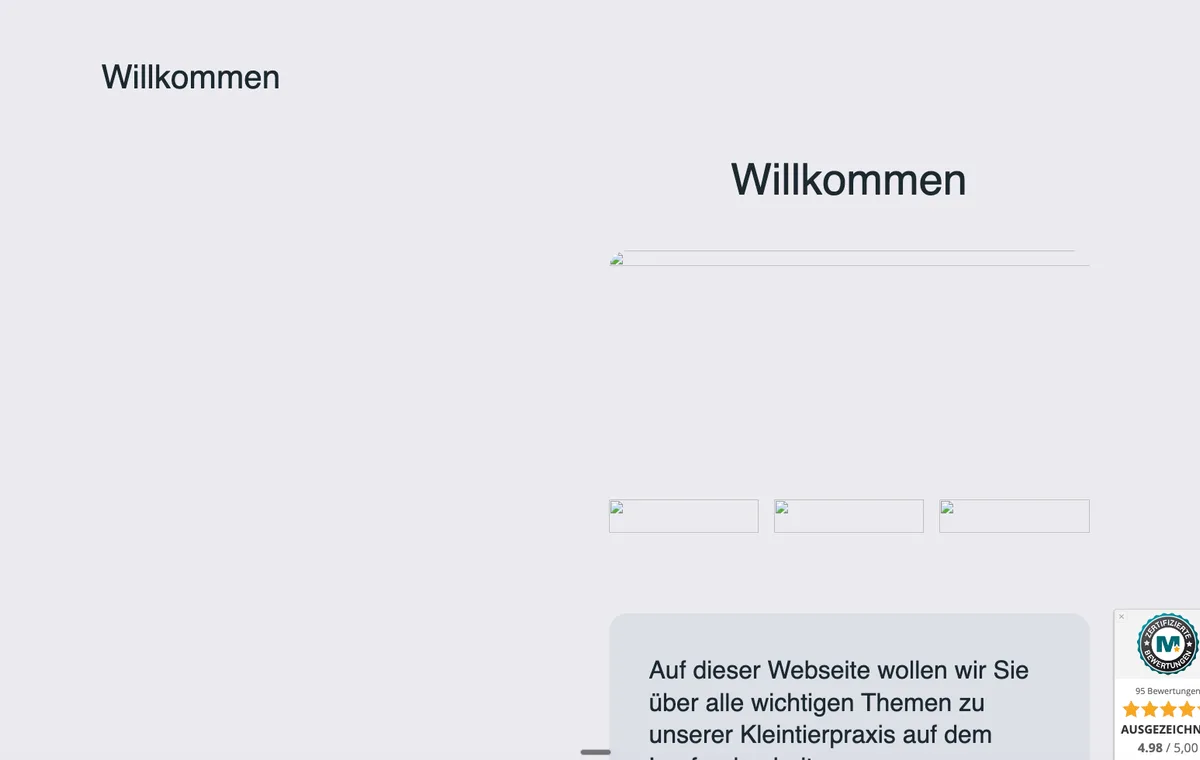
Before · WordPress
The old home page: generic, text-heavy and frequently loading with broken images.
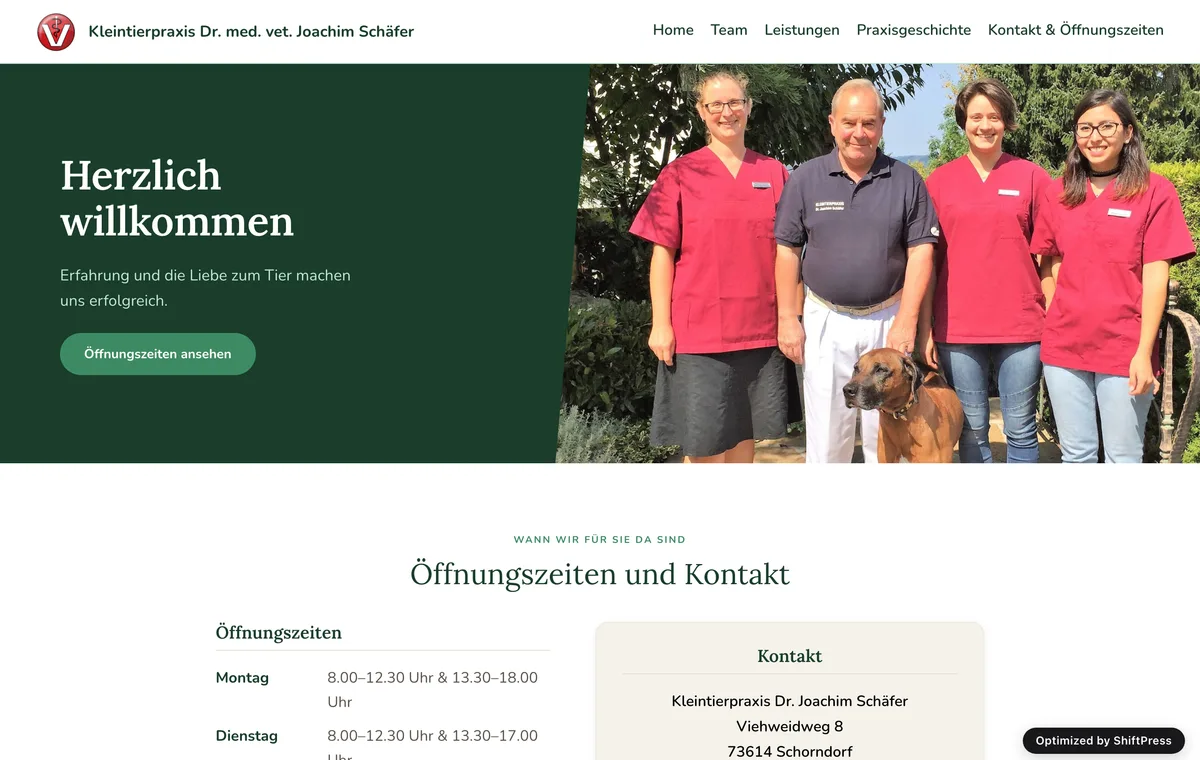
After · ShiftPress
The new home page: a warm hero with the team, clear opening hours and contact, and the 4.98-star reviews built in.
Home page, desktop viewport, before and after the rebuild.
The migration
How the move actually went
ShiftPress does the heavy lifting and keeps the site live the whole way. Here is the path the practice took.
Step 1
Copy the site faithfully
ShiftPress rebuilt the existing site as-is first, so every page and all the content came across. Nothing familiar was lost as a starting point.
Step 2
Modernise the design
On top of that copy, the site was redesigned: a warm hero with the team, clear opening hours and contact, a section for the practice's story and the excellent reviews brought to the front.
Step 3
Leave WordPress behind, go live on a global edge
The new site went live as prebuilt static code on a global content network with the modern HTTP/3 protocol. No WordPress, no PHP, no database, no plugins, so there is nothing to update and no plugin security surface.
Step 4 · ongoing
Run it by chat
Keeping the site current is now a conversation instead of a page builder. They say what they want changed, an opening-hour tweak or a new notice, and it happens.
“
Two weeks before I found ShiftPress, a web designer wanted 2,500 euros to redo our site. With ShiftPress it was basically free, and our redesigned, faster site was live within a week.
Dr. med. vet. Joachim SchäferVeterinarian & practice owner
Under the hood
From a WordPress stack to plain, fast code
The most visible change is the design, but the bigger one is what disappeared behind it. The old site was WordPress with the Elementor page builder and its plugins, running on PHP on a shared server and rebuilding each page from a database on every visit. The new site is none of that: prebuilt static pages, served from a global edge and cached close to every visitor.
Before (WordPress)
After (ShiftPress)
Platform
WordPress + Elementor + plugins
Prebuilt static code
Hosting
Shared PHP server
Global edge network + HTTP/3
Every page view
PHP + database rebuild
Served prebuilt, cached worldwide
Maintenance
Core, theme & plugin updates
None, nothing to update
Editing
Elementor page builder
By chat, say what to change
None of this needed a plugin or an add-on. Clean markup, caching and a modern edge are built into the platform, so there is nothing to buy, patch or babysit. The practice's domain stayed registered at Strato; only the website moved. If your domain is at Strato too, our guide walks you through it: connecting a Strato domain.
“
Our WordPress site broke so often that clients sometimes couldn't even see our opening hours, and every change meant calling in an outside person. With ShiftPress that's all gone, and making changes is simple, even for non-technical people.
Heike HinderbergerVeterinary assistant & admin
Still on WordPress?
ShiftPress moves your whole site to fast, secure code, keeps everything you have, and gives it a modern design you can run by chat, with no plugins to update and no page builder to fight. Join the waitlist and leave WordPress behind.
No. ShiftPress copied the whole site first, so every page and all the content came across, then the design was modernised on top of that. Nothing was lost.
Is the new site still WordPress?
No. The new site is prebuilt static code served from a global edge network, with no WordPress, no Elementor page builder, no plugins and no database. There is nothing to update and no plugin security surface to worry about.
Can the practice still edit the site itself?
Yes, by chat. Instead of wrestling with the Elementor page builder, they say what they want changed, for example new opening hours or a notice, and it happens.
Can I keep my Strato domain and email and only move my website?
Yes. The practice kept its domain registered at Strato and only moved the website. Going live is just one change to the record that points the domain at the new site; the domain and the email (the MX records) stay exactly where they are and keep working. If your domain is at Strato too, our guide walks you through it: connecting a Strato domain.